Performance presets
Choose Balanced or Maximum FPS. Revive enables Radium on 1.8.9 and Sodium on 26.3 by default.
Minecraft Java Edition
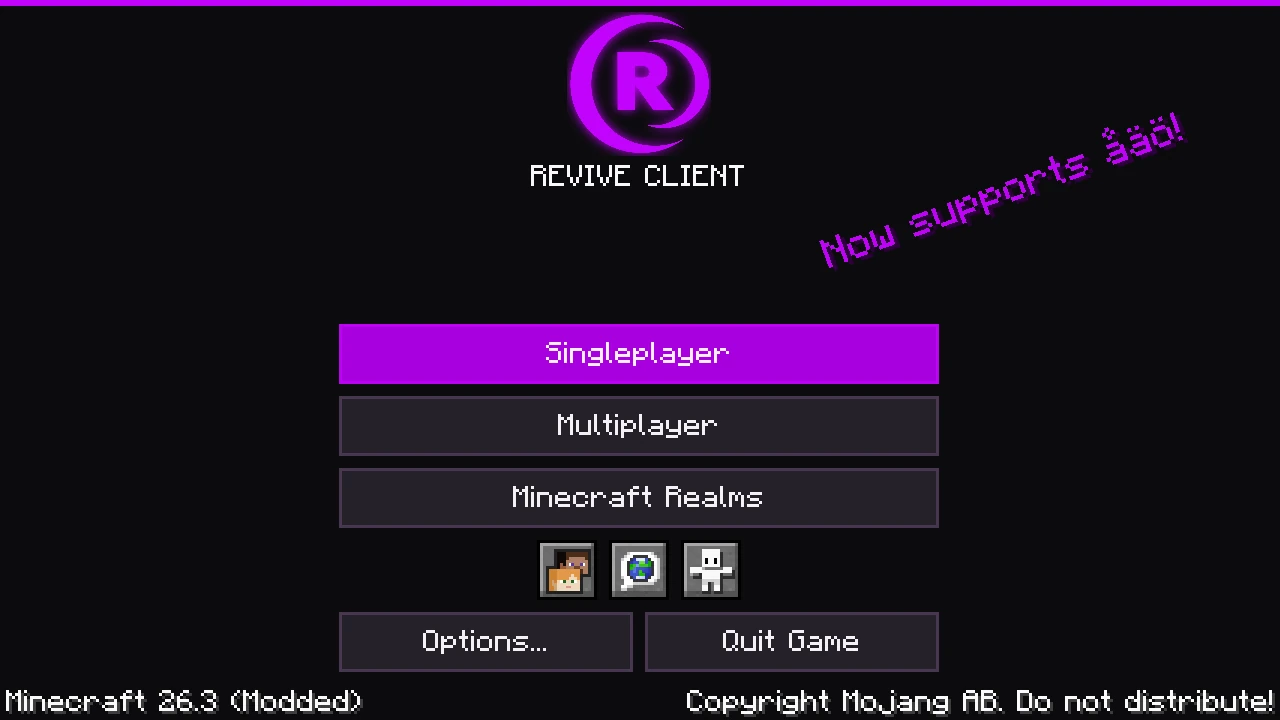
A Windows launcher and Fabric client with built-in performance mods, an editable HUD, and a Modrinth browser.
Client JARs available. Windows launcher release pending.
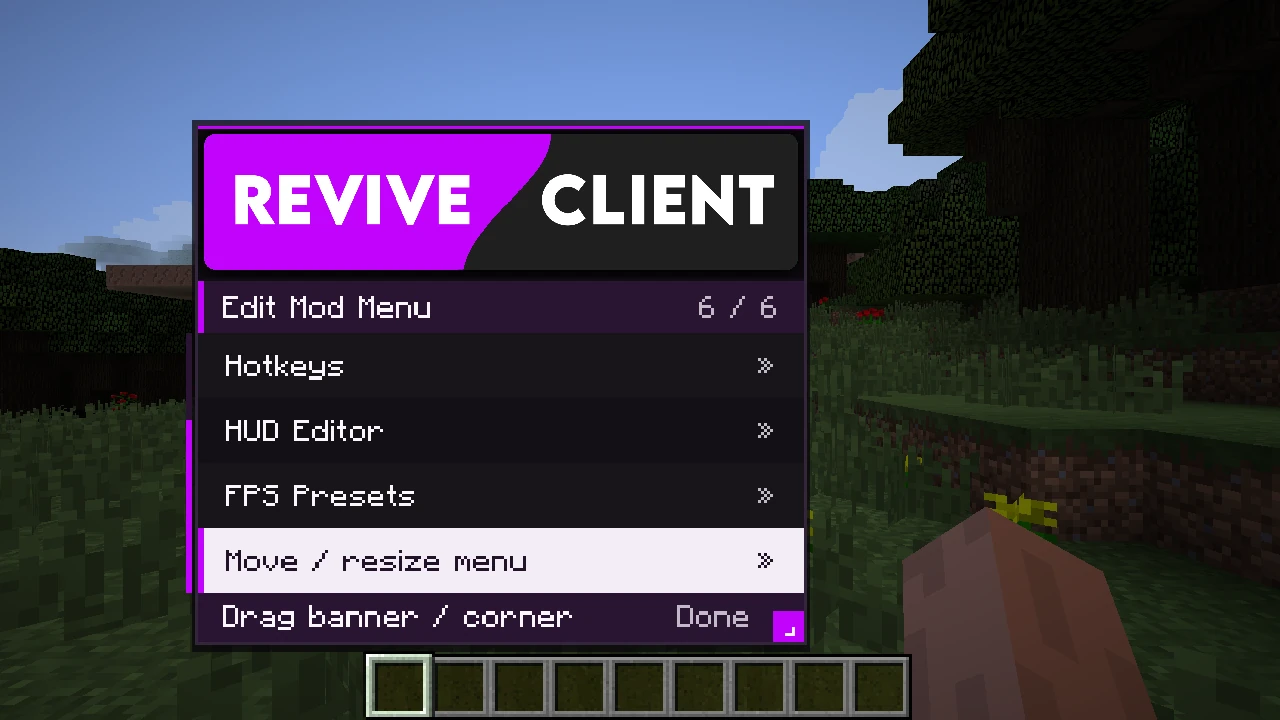
Choose Balanced or Maximum FPS. Revive enables Radium on 1.8.9 and Sodium on 26.3 by default.
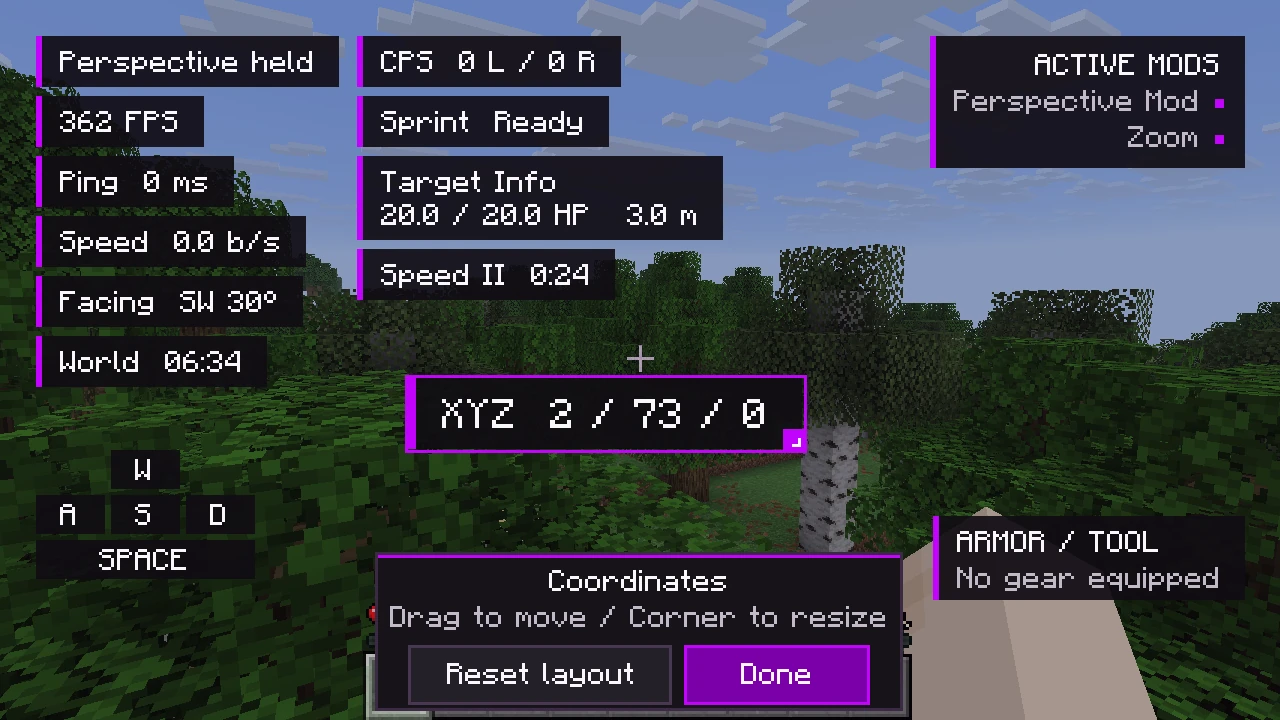
Drag and resize HUD elements and the mod menu. Your layout follows you between supported Minecraft versions.
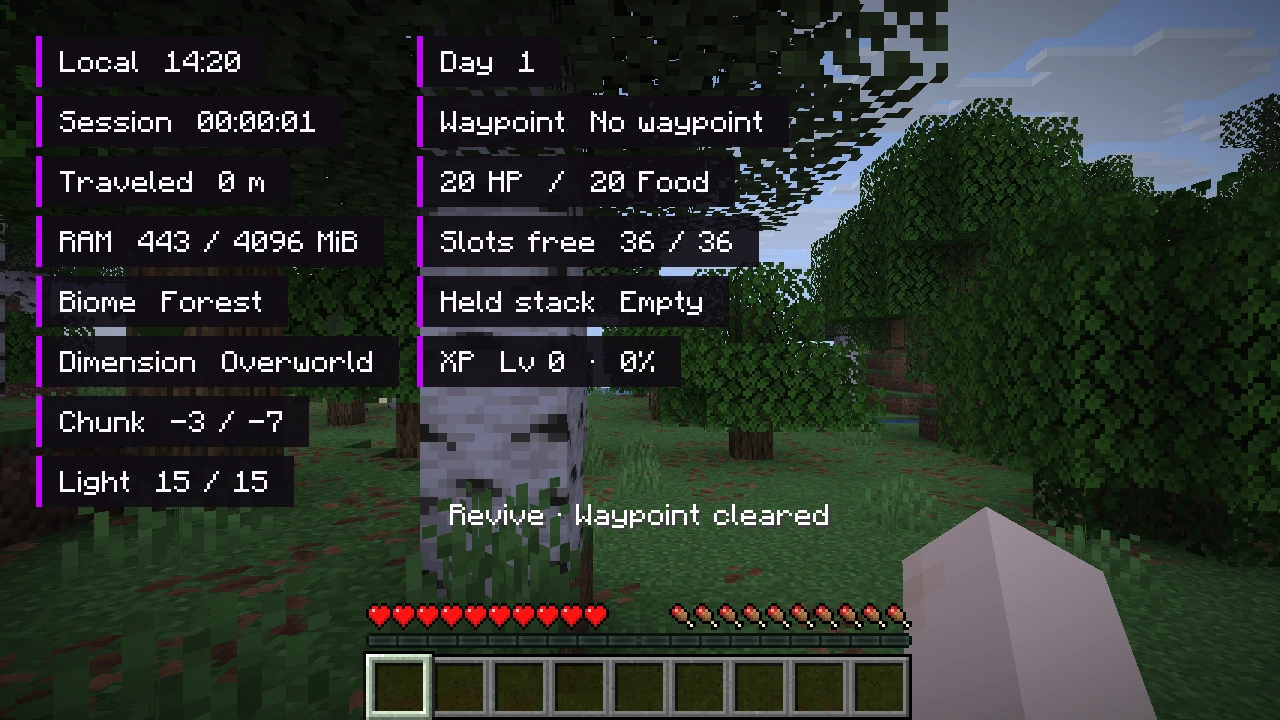
Rebind Perspective, Zoom, and quick actions. Toggle Fullbright, session waypoints, coordinates, and more from the in-game menu.
Browse mods compatible with your selected version, install their required dependencies, and manage what loads in each instance.
Sign in through your browser, save accounts locally, and pick which Minecraft profile to use before launching.
Watch setup progress and game output on Home. Warnings and errors are highlighted, and you can copy the console output.
 Open full size
 Open full size
 Open full size
The Windows launcher is awaiting release. The GitHub catalog has published Fabric JARs for Minecraft 1.8.9 and 26.3.
Download on GitHub